
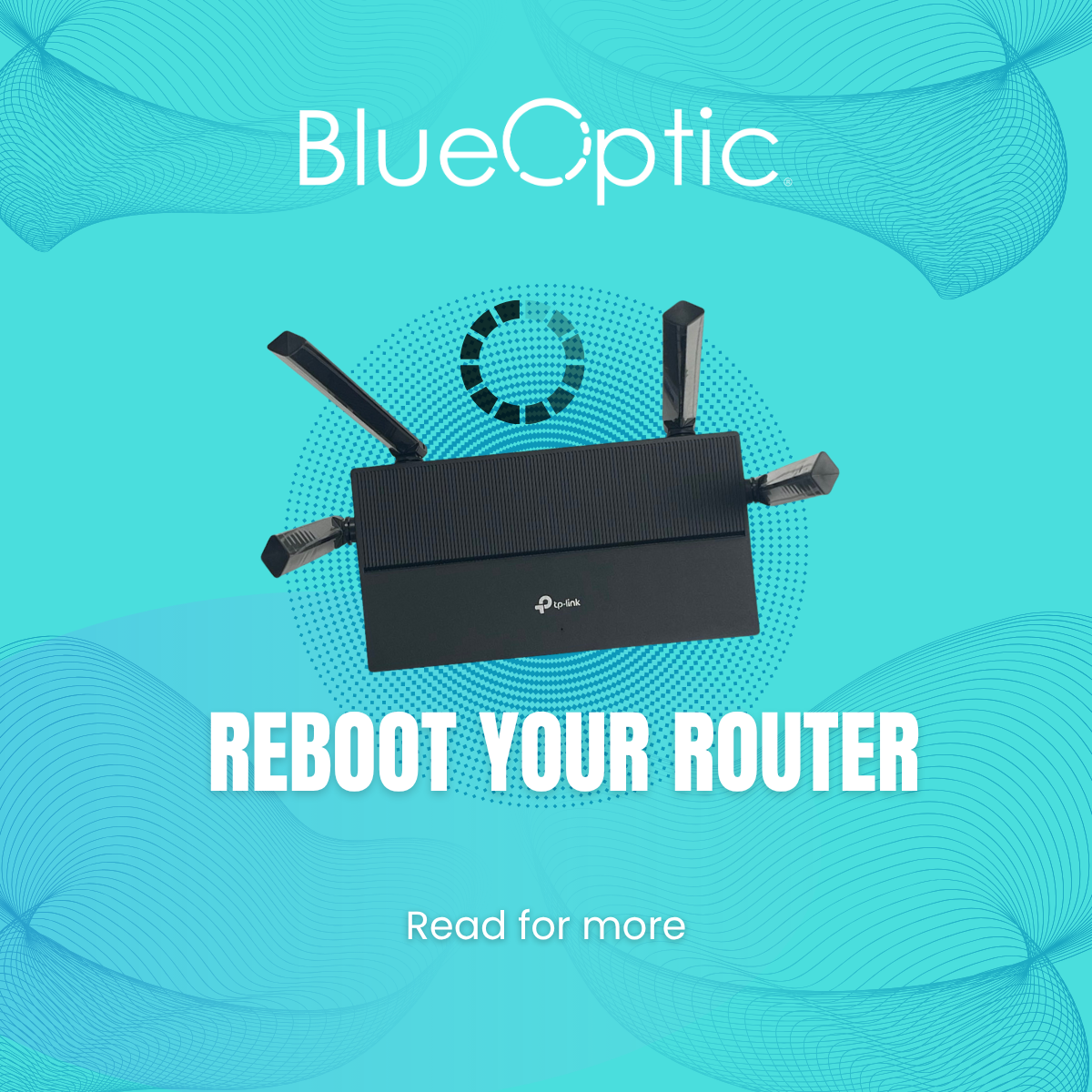
Imagine this: you have had a long day at work and all you want to do is get home to game and/or stream to take the edge off and remind yourself that there is still fun in the world. Or you at work (either at home or in the office), getting ready for that meeting you have been preparing for, but… you are in buffering-ville. Some of us don’t have to imagine because we have been there. Often, the solution isn’t complicated, it is just a quick router reboot. It’s one of the easiest ways to refresh your internet connection and improve performance so you can do the things you need to do.
What “Rebooting” Actually Means
According to Lifewire , rebooting is different from resetting because it doesn’t erase your settings. It is simply turning your router off and on again, giving it a chance to clear memory and refresh its firmware. Experts recommend waiting 10 seconds to 30 seconds, sometimes even a minute, to ensure the cache is properly cleared.
Why It Helps So Much
- Clears memory and cache, which can slow down performance over time.
- Improves internet signal and speeds over time.
- Applies firmware updates cleanly, ensuring your internet is secure and stable.
- Fixes temporary glitches or drops, like buffering and unresponsive Wi-Fi.
How Often Should You Reboot?
- Once a month is a great baseline for most users.
- In heavy-use households or businesses, consider rebooting biweekly.
- If your internet freezes, dropping speeds or buffering often, reboot immediately.
How to Reboot Your Router Safely:
- Unplug your router.
- Wait 30–60 seconds to let everything reset.
- Plug it back in then the router.
- Wait for all status lights to return to normal before reconnecting your devices.
When Rebooting Isn’t Enough
If glitches remain after a reboot—like consistent disconnection or slow speeds— go ahead and contact BlueOptic support. We’ll help troubleshoot further or check if equipment upgrades are needed. We are always happy to help.
Conclusion
Rebooting your router regularly is an easy, effective way to keep your internet stable and fast. Make it a simple routine (part of your monthly spring cleaning) and you’ll avoid many common connection headaches before they start.
Quick Action: Set a phone reminder to reboot your TP-Link router each month. It’s quick, free, and often fixes issues before they become real problems. If issues persist, contact BlueOptic support to help you get back to the things you need to do.